
U.S. Customs and Border Protection (CBP) is processing refunds of duties collected under the International Emergency Economic Powers Act (IEEPA) through a filing tool called CAPE. CBP says it launched the Consolidated Administration and Processing of Entries (CAPE) functionality within its Automated Commercial Environment (ACE) to refund IEEPA duties, including interest. CBP’s refund page was last modified on November 2, 2026.
The tool lets importers file one declaration covering many entries instead of claiming refunds entry by entry, according to CBP.
Who can file and how
CBP says only the importer of record, or the broker who filed the entry, can file a CAPE declaration. The steps on CBP’s page are:
- Have an ACE Portal account, as the importer of record or an authorized broker.
- Add refund bank details in the ACE Portal. CBP says refunds are paid by ACH only.
- Prepare a CSV file that lists entry numbers. CBP says it does not require other information in the file.
- Upload the file in the ACE Portal. CBP says the ABI system is not used.
- Receive a CAPE claim number. Accepted entries continue, and rejected entries are removed with reasons shown.
CBP says a declaration holds up to 9,999 entries, and a filed declaration cannot be amended or cancelled. Each entry can be on only one accepted declaration. CBP states there is no fee and that it will not email CAPE updates. Importers should track status in ACE reports instead.
Which entries are covered
CBP describes Phase 1 as covering certain unliquidated entries and certain entries within 80 days of liquidation. Phase 2 added entries flagged for reconciliation where the reconciliation entry is not yet on file. CBP lists June 29, 2026 as the effective date for that phase.
CBP lists entries not yet covered. They include reconciliation entries already on file, drawback-designated entries, warehouse entries, entries under open protest and entries with final liquidation. Entries liquidated more than 80 days ago are rejected, CBP says.
Refund timing
CBP says valid IEEPA refunds are generally issued within 60 to 90 days after a CAPE declaration is accepted, unless a compliance review applies. For liquidated entries, CBP says most refunds reach the ACH account three to five weeks after liquidation or reliquidation.
An importer who disputes a refund amount must file a protest within 180 days of liquidation or reliquidation, CBP says. CBP also warns that a declaration can produce a bill if the entry’s total paid is less than the recalculated duty.
CBP’s page shows older sections dated April through July 2026, and its own text lists a 9,999-entry limit in one place and 10,000 in an error table. Check the page for updates before filing.
What it means for manufacturers
A refund claim starts with clean entry data. Pull every entry that carried IEEPA duty, with the entry number, liquidation date and duty paid. Mark which ones fall inside the 80-day window, since CBP rejects older liquidated entries. This is our suggested starting point, not CBP guidance.
Refunds change the true cost of past shipments. Compare duty paid with the amount you expect back using the landed cost calculator. Our guide to calculating landed cost shows where duty sits in unit cost. For new duties, see the tariff cost calculator and our report on the proposed Section 301 tariffs.
Keeping entries, costs and supplier data in one system makes claims easier to audit. See supply chain software for how planning teams track it.
Need to see what tariffs did to your landed cost, and what a refund changes?
Contact usRelated news
- U.S. Set to Announce Section 301 Tariffs on China, EU and 14 Other Economies
- USTR Proposes Section 301 Tariffs on 14 Economies, From 15% to 35%
- U.S. and China Extend Trade Truce Until January 10
Get supply chain news like this by email: sign up for the Statadventure newsletter.
Sources
Additional sources
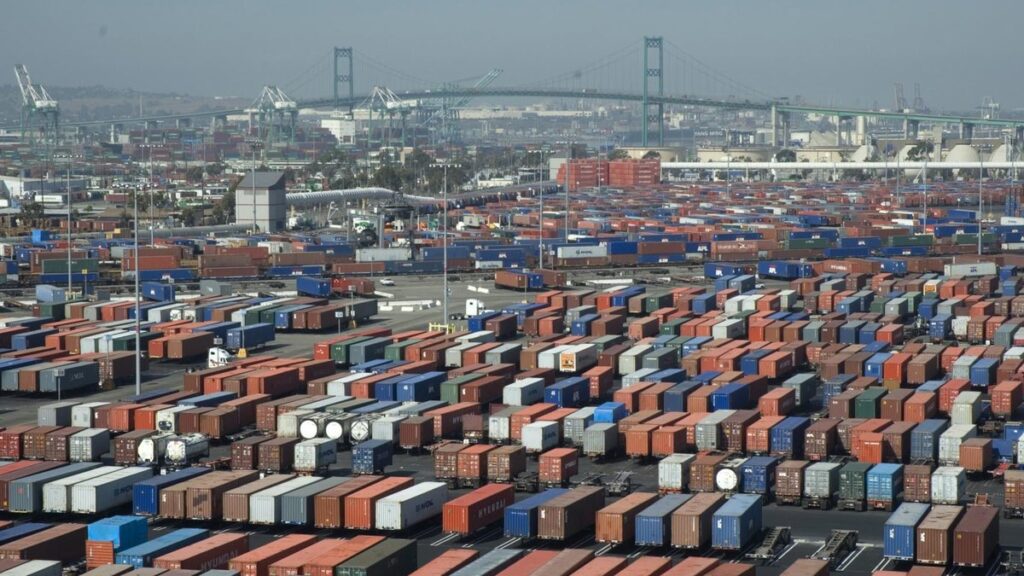
Photo: Charles Csavossy, U.S. Customs and Border Protection (public domain), via Wikimedia Commons (illustrative)
Try the Statadventure live tools
Inventory tools for US manufacturers: reorder point, safety stock, EOQ and landed cost, with the inputs and assumptions shown.
Open the live tools